

I usually work on 5-6 projects at the same time.
Each coding session is like 2–3 projects, 3–4 terminals per project, plus IDE, console + browser to check network, postman, db client…
I even organized the desktops on macOS to keep things clean.
But when I plug/unplug an external monitor everything crashes. Terminals jump the desktop, windows pile up everywhere 😵
And I also have a habit of turning everything off to keep things clean.
The next day? Rebuild the entire workspace.
After doing this over and over again, I couldn’t take it anymore – so I created 1DevTool.
1 app = 1 project workspace.
Terminal, browser, IDE, AI agent — all within one window.
But the important point is not just to collect the tools.
Because when everything stays in the same place, they know each other. The browser knows what page you are on. The DB client knows what query you have made. The API client knows which request failed.
So the AI already has the context – you don’t need to define or copy the logs.
You just ask.
Here are some things that already work:
🔗 Send to AI — Error in browser, DB client, or HTTP client? Click a button and the AI finds the right context: DOM, interaction logs, query logs, HTTP request. No copy and paste. Eventually AI will detect errors automatically.
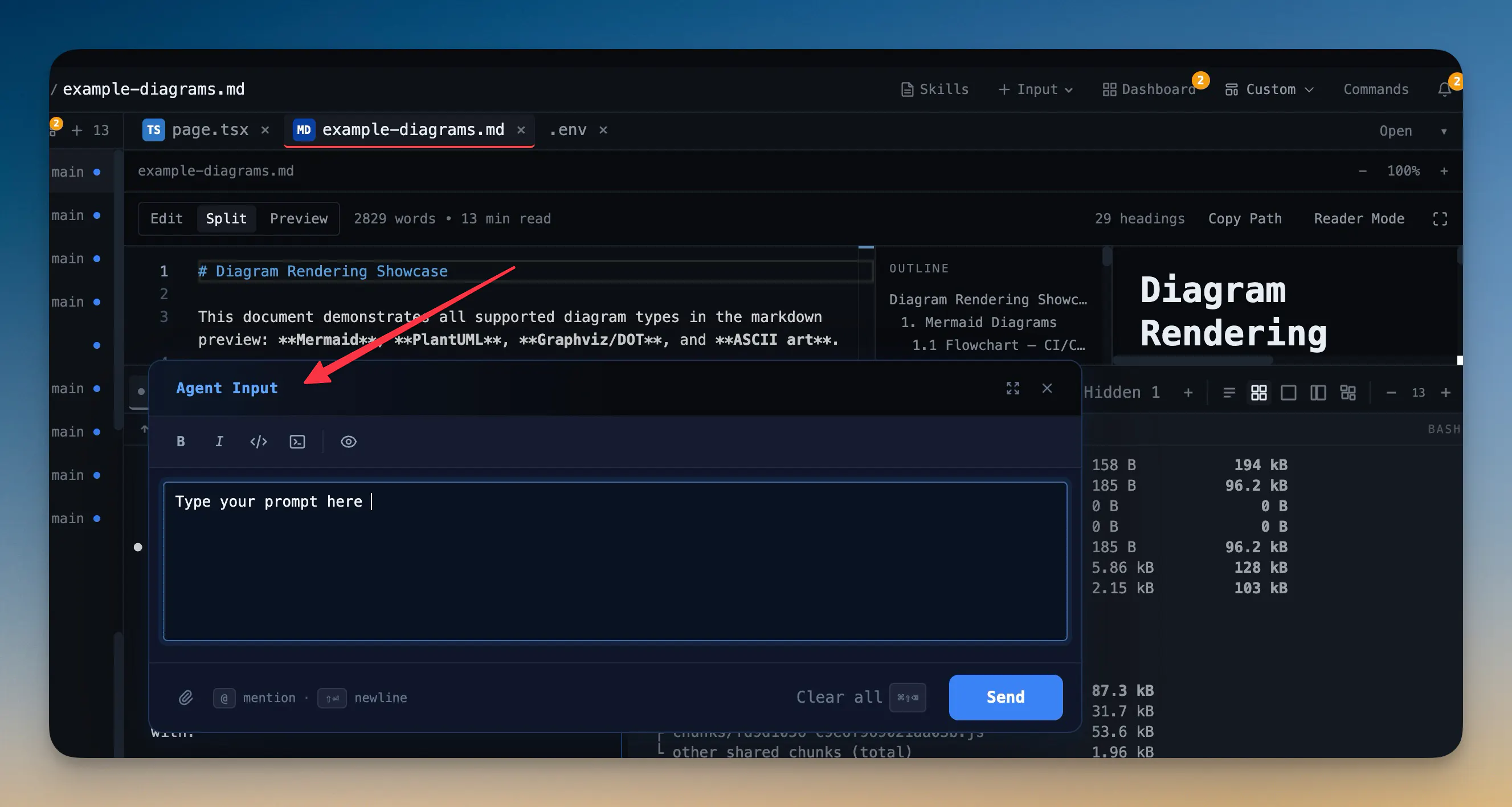
✍️ Agent Input (Cmd+I) — Expandable prompt editor. Edit files, images, markdown, even screenshots. If you’re writing hints in Notes/Obsidian and pasting them into Terminal, this replaces it.
💾 Terminal persistence – Powered by tmux under the hood. Close your laptop, open it again later, the sessions are still there. Layout: 2×2 grid, vertical tabs, columns, rows, canvas.
🔁 Replay — Visually replay previous AI chats. Combine chats from multiple AIs (Claude, Codex, etc.) into a new session. Includes quick history and reusable skills.
Other things include:
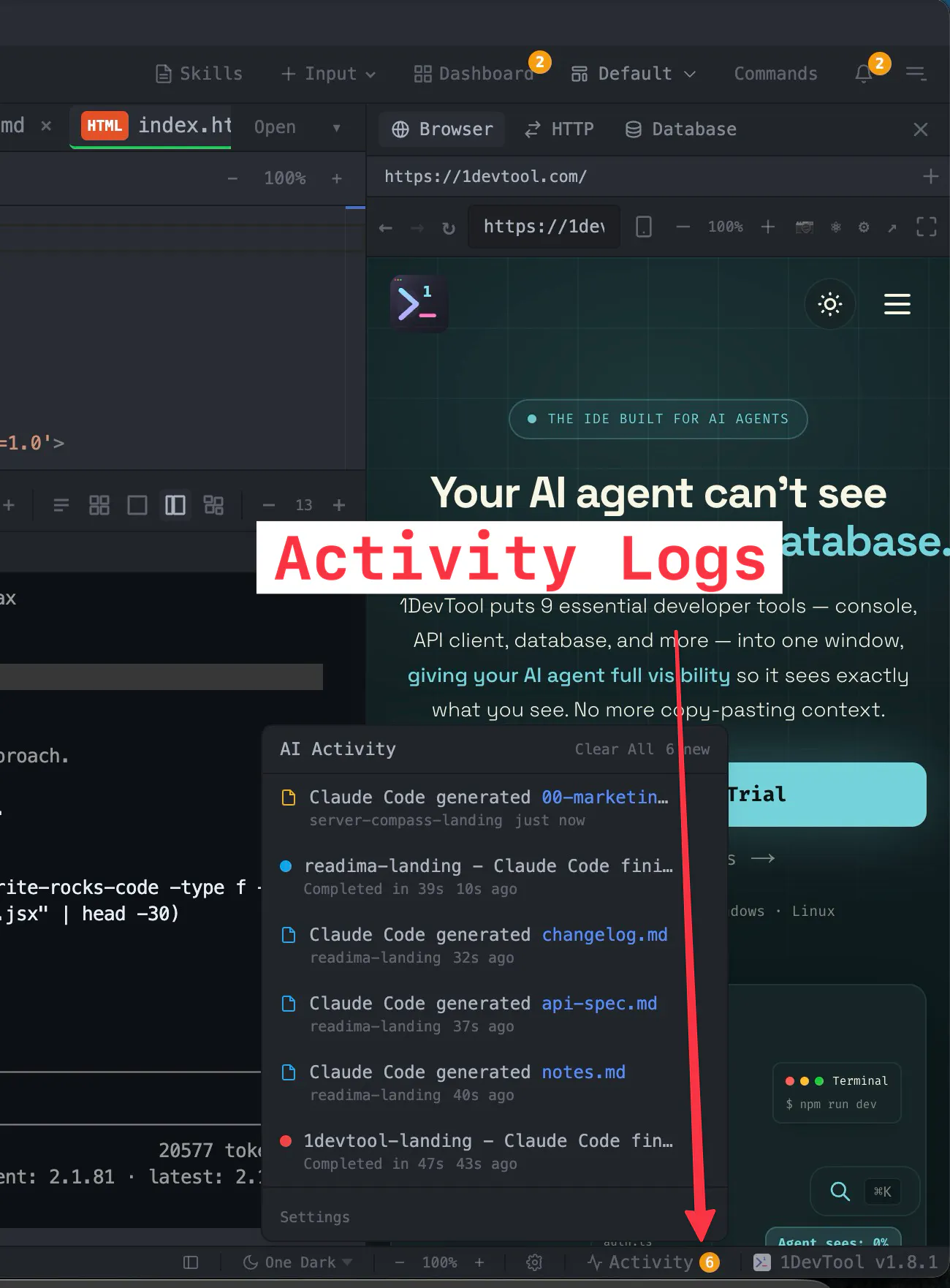
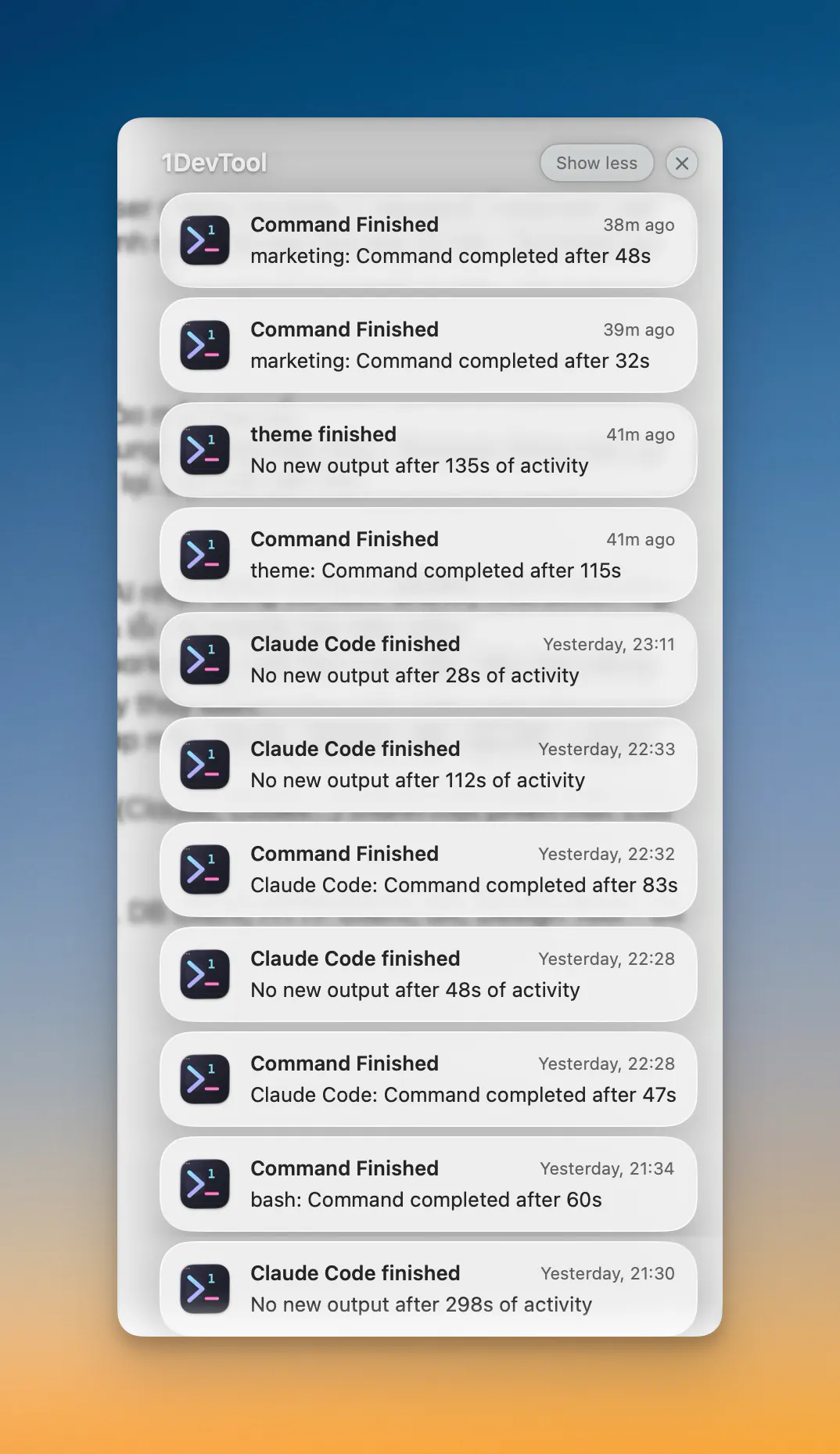
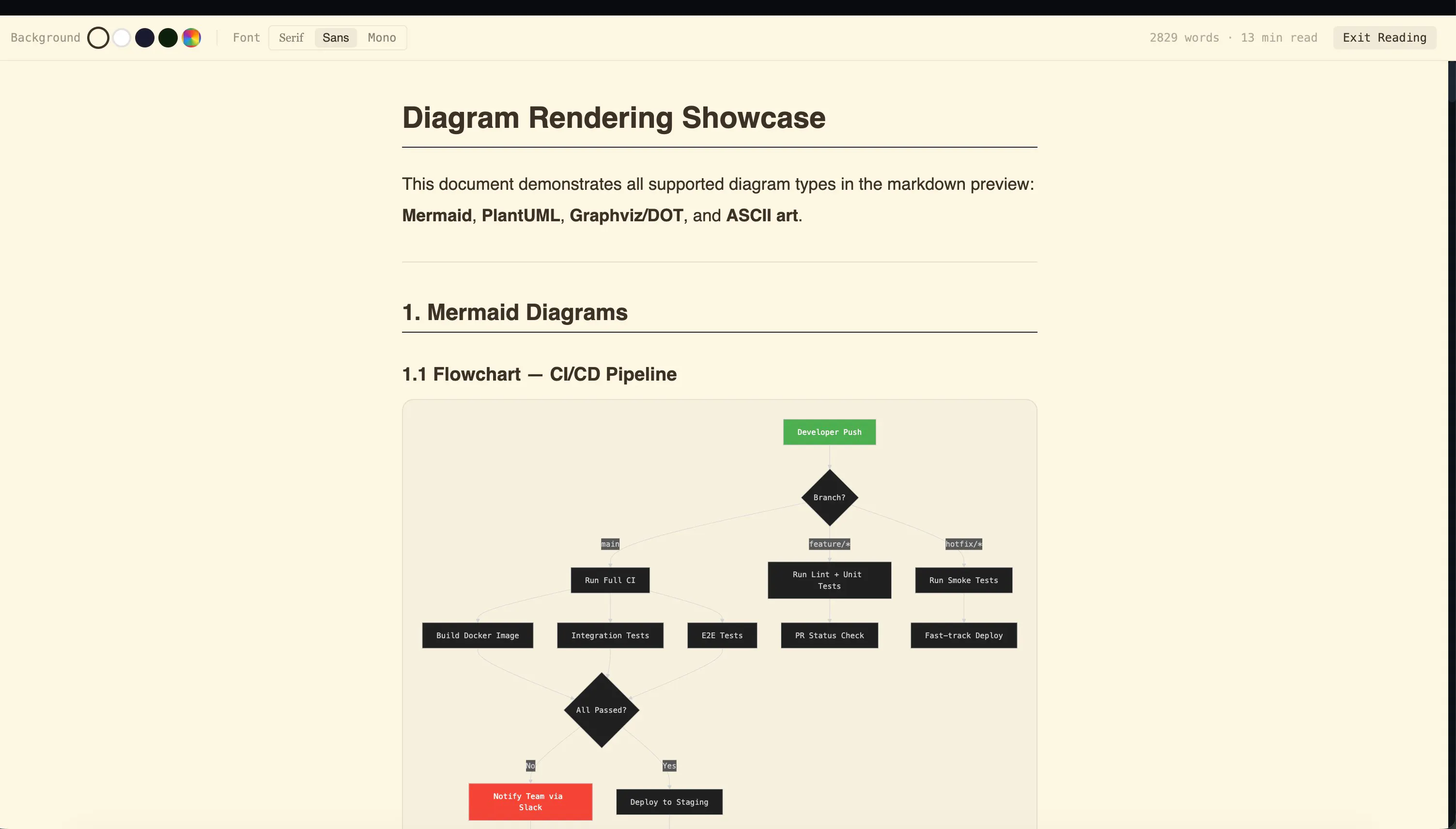
Markdown reader mode, AI completion notifications, a Kanban dashboard for all terminals (idle / running / needs review), plus Docker, DB client, HTTP client, Git, and a basic design tool — enough to avoid opening a bunch of separate apps.
You can try it for free at 1devtool.com — including 1 project + 4 terminals.
Curious: How do you manage multiple projects at once?