
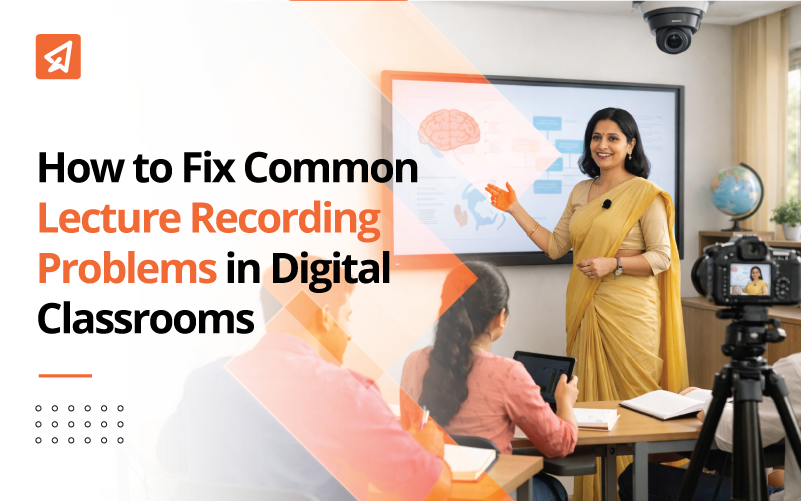
Recording offline classroom lectures has become an integral part of modern teaching, esp Smart classrooms. However, many teachers face recurring technical and practical challenges that can affect the quality of recordings. Understanding how to fix these small smart classroom recording problems ensures that recorded lessons run smoothly.
How to Fix Common Lecture Recording Problems in Digital Classrooms
Identifying the type of problem first makes it easier for teachers to solve problems quickly without disrupting instructional time. Below, we’ve listed some of the most common challenges you may encounter, along with their practical fixes:
Audio quality issues (sound clarity):
Issues with clear audio throughout the lecture
Challenge: In many classrooms, the teacher’s voice is clearly heard by the students in the room but sounds muffled, uneven, or distorted in the recording. This is one of the most frequent smart classroom lecture recording challenges, especially in large classrooms.
Correct:
- Use a wireless lapel or headset microphone connected directly to the Smart Classroom system.
- Avoid relying solely on ceiling-mounted or camera microphones, which often pick up ambient noise rather than the teacher’s voice.
- Check the microphone battery level, audio input sources, and volume level before starting class.
Capturing student interaction and classroom discussions
Challenge: Student questions, answers, and conversations are often not clearly captured in the recording, reducing the value of the lecture for review.
Correct:
- Repeat the student’s questions out loud before answering so that they are saved in the recording.
- Use boundary or classroom microphones where available.
- Encourage students to speak clearly during discussions, especially in large rooms.
Video quality and visibility issues:
Maintaining clear visibility of smartboard and writing area
Challenge: Smartboard content, annotations, or handwritten explanations in recorded lectures are unclear, truncated, or partially visible.
Correct:
- Position the camera to completely cover both the smartboard and the teaching area.
- Use a high-contrast digital pen or marker when writing on the board.
- Avoid standing for long periods of time in front of important materials.
Managing teacher movement within the camera frame
Challenge: Teachers move naturally while explaining concepts and often step outside the camera’s field of view, creating gaps in recorded explanations.
Correct:
- Use wide-angle or auto-tracking cameras that are commonly available in smart classrooms.
- Provide important details within the main camera coverage zone.
- Check the camera framing quickly before the lesson begins.
Related Read: Smart Classroom Design
System and software problem:
Simultaneous recording of smartboard content and digital presentations
Challenge: Recordings only capture classroom video or audio, while missing smartboard content, slides, or digital annotations.
Correct:
- Enable smartboard screen capture with camera and audio recording.
- Use integrated lecture capture systems that combine video, audio and screen input.
- Save the smartboard files separately as a backup in case of system failure.
Avoid missing or incomplete recordings
Challenge: Teachers may forget to start or stop recording, resulting in incomplete or missing lecture videos. This is a common problem when managing multiple classroom tasks at once.
Correct:
- Follow a simple pre-class recording checklist.
- Use one-click or scheduled recording features wherever available.
- Assign a quick verification step before starting the lesson, such as checking the recording prompts.
Hardware and classroom environment issues:
Reducing classroom noise in recorded lectures
Challenge: Background noise from fans, corridors, doors, or student movement interferes with audio clarity in recordings.
Correct:
- Close doors and windows when recording whenever possible.
- Use directional or noise-cancelling microphones.
- Pause briefly during unexpected noises before continuing the explanation.
Hardware positioning and wear and tear issues
Challenge: Loose cables, improperly mounted cameras, or broken microphones can silently affect recording quality over time.
Correct:
- Periodically check microphones, cameras, and connectors.
- Secure cables properly to prevent accidental disconnection.
- Schedule routine maintenance at least once per term.
File storage, access, and organization issues:
Storing and organizing recorded lecture files
Challenge: Recorded lectures can be misplaced, overwritten, or not uploaded correctly, making it difficult for students to access them later.
Correct:
- Instantly save recordings to the school’s LMS or smart classroom system.
- Use consistent file naming conventions that include subject, class, and date.
- Maintain cloud or external backups to prevent data loss.
How Xtramark’s SmartClass Plus enables high-quality lesson recording.
Extramarks’ Smart Class Plus is designed to simplify lecture recording during offline teaching. It allows teachers to record classroom audio, video, and smartboard content with one click, without disrupting the flow of instruction. Recordings are stored securely, making them easy to access for revision, blended learning, and educational continuity.
The result
Understanding how to solve common lecture recording problems in digital classrooms helps teachers create reliable, high-quality learning resources without stress. By eliminating common audio, video, and workflow bottlenecks, schools can ensure that offline classroom instruction supports seamless revision and blended learning.
Frequently Asked Questions (FAQs)
Recording equipment should be checked at least once per academic term to quickly identify microphone, camera, or software problems.
Recorded lectures allow students to revisit explanations at their own pace, helping to reinforce concepts and effectively close learning gaps.
Published on February 13, 2026.

Share it.